
OpenCode Superapp
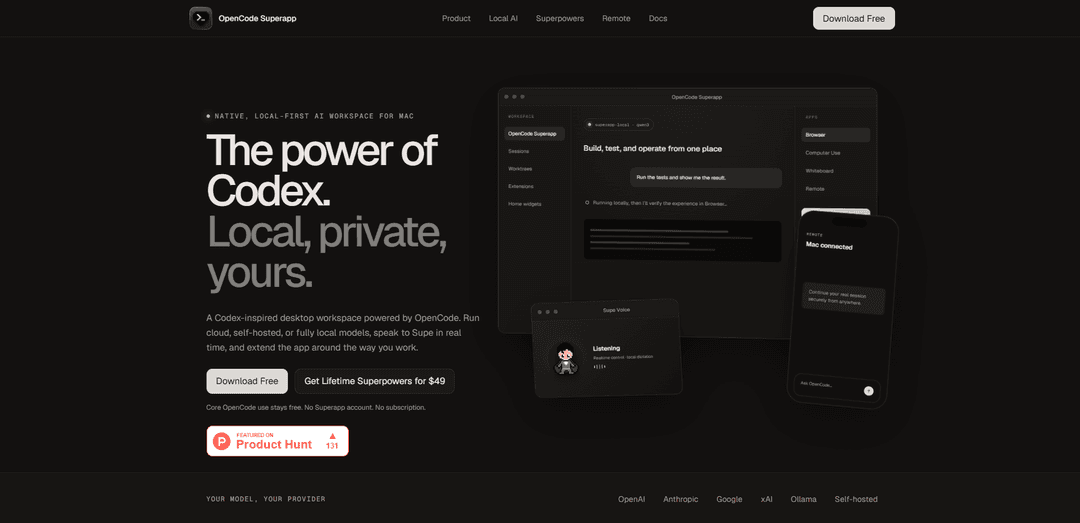
OpenCode Superapp is a native, local-first Mac workspace that brings Codex-like agentic coding to the models and infrastructure you choose—cloud, self-hosted, or fully local—with projects, files/Git/terminals, extensions, and optional “Superpowers” like voice, browser automation, and supervised computer use.
https://opencodesuper.app/?ref=producthunt
Product Information
Updated:Jul 24, 2026
What is OpenCode Superapp
OpenCode Superapp is a Codex-inspired desktop workspace built on the open-source OpenCode runtime, designed to let coding agents understand and operate directly within your real projects. It provides an integrated environment for managing projects and parallel sessions while working with files, Git/worktrees, terminals, search, and configuration in one place. The app is local-first by default—there is no required account, no profiles or passwords, and workspace data stays on your Mac—while still letting you use any OpenCode-supported provider (e.g., OpenAI, Anthropic, Google, xAI), your own OpenAI-compatible endpoint, or fully local models via an app-managed Ollama engine.
Key Features of OpenCode Superapp
OpenCode Superapp is a native, local-first AI workspace for Mac built on the open-source OpenCode runtime, designed to bring “Codex-like” agentic coding to the models and infrastructure you choose. It supports cloud, self-hosted, and fully local models (including an app-managed Ollama option), and provides a unified workspace where agents can understand your projects and work with files, Git/worktrees, terminals, and search. It adds optional “Superpowers” such as in-app browser automation, supervised macOS app control, offline local dictation, realtime voice interaction, and secure remote/mobile continuation—while keeping credentials and workspace data on your Mac and sending cloud requests directly to your chosen provider.
Model/provider freedom (cloud, self-hosted, local): Use any provider OpenCode supports with your own credentials and billing, or run fully local models via an integrated, app-managed Ollama engine; switch providers per task depending on accuracy, cost, or privacy needs.
Native project workspace with real dev tooling: Work in a single desktop environment that keeps projects, parallel sessions, files, Git/worktrees, terminals, search, and configuration together so the agent can operate with full project context.
Plan mode for safer execution: A read-only planning mode lets the agent propose an approach before making changes, helping prevent costly mistakes on complex features or refactors.
Extensions, skills, MCP services, and widgets: Extend the workspace with commands, right-panel apps, skills, MCP services, local resources, and custom Home widgets with bounded permissions—supporting tailored workflows and integrations.
Superpowers: browser automation + supervised macOS control: Optionally let the agent inspect and operate the in-app browser experience and native macOS applications through permission-gated tools, keeping consequential actions visible and user-approved.
Voice + remote continuation: Add offline local dictation and realtime voice control to create/monitor tasks, plus an encrypted remote/mobile companion that continues the same running session on your trusted Mac host.
Use Cases of OpenCode Superapp
Privacy-sensitive development (healthcare/PHI, legal, finance): Run fully local or self-hosted models to avoid sending sensitive code or data to third-party clouds, while still benefiting from agentic workflows (files, Git, terminal) inside a local-first workspace.
Full-stack feature delivery in one place: Use the agent to plan, implement, refactor, and test across frontend/backend codebases, run commands in the integrated terminal, and iterate with project-aware context.
QA and web workflow automation: Leverage in-app browser automation to reproduce issues, validate production flows, or run scripted checks against real web UIs while keeping the work tied to the same coding session.
Developer productivity for teams with mixed infra: Standardize on one workspace while letting individuals choose models/providers per task (e.g., local for routine edits, cloud for hard debugging), without forcing a single vendor.
Hands-free or accessibility-friendly coding workflows: Use local dictation and realtime voice to compose prompts, create tasks, and monitor progress—useful when typing is inconvenient or for voice-first workflows.
On-the-go incident response and support: Continue an active session from phone or browser via encrypted relay, keeping the Mac as the trusted host so you can review logs, run commands, and apply fixes while away from your desk.
Pros
Local-first design with no required account and direct-to-provider cloud requests helps reduce data exposure.
Strong flexibility: supports multiple providers plus local/self-hosted models, switchable per task.
Integrated dev workflow (projects, Git, terminals) and extensibility (MCP, plugins/extensions, widgets) supports real-world engineering use.
Cons
Some advanced capabilities are paid (one-time “Superpowers” unlock) and certain features have platform requirements (e.g., Native Computer Use requires macOS 15+).
Initial release is Apple-silicon Mac-focused (macOS 13+), limiting availability for other environments.
Remote access requires renewable entitlements and relies on a relay, which may not fit all strict offline-only policies.
How to Use OpenCode Superapp
1) Download and install OpenCode Superapp (Mac): Go to https://opencodesuper.app/ and click “Download Free” to get the latest DMG. Open the DMG and drag OpenCode Superapp into Applications. Launch it (macOS may prompt you to confirm opening a downloaded app).
2) Create/open a workspace and add your project: In the Superapp, create a new workspace or open an existing one. Add or open a local project folder so the agent can understand your repository and work with files, Git, and terminals inside the app.
3) Choose your model/provider (cloud, self-hosted, or local): Pick a provider per task based on what you need: cloud providers (OpenAI/Anthropic/Google/xAI), a self-hosted OpenAI-compatible endpoint, or local models via Ollama. Your provider credentials remain in your local OpenCode configuration.
4) (Optional) Enable Integrated Local AI (Ollama) inside the app: Install the Superapp’s integrated Local AI extension to run app-managed Ollama without starting a separate server. The app uses a private loopback endpoint and can discover compatible models already in your local library.
5) Start a task and talk to the agent in the native workspace: Create a new task/session and describe what you want (e.g., “Run the tests and show me the result” or “Refactor this module”). The agent can read your repo, edit files, and run commands within the workspace.
6) Use built-in developer workflows (Files, Git, terminals, search): Work end-to-end without leaving the app: inspect and edit files, use integrated terminals to run commands, manage Git changes/worktrees, and search across the project while the agent stays project-aware.
7) Switch providers per task when needed: For different jobs (fast edits vs. deep reasoning vs. privacy), switch the model/provider for the current task. You can move between local, self-hosted, and cloud providers depending on constraints like cost, speed, or data sensitivity.
8) Use Browser Automation (Superpowers) for web workflows: If you’ve purchased Superpowers, open the in-app Browser and let OpenCode inspect and operate the exact web experience. Actions are permission-gated so you can supervise consequential steps.
9) Use Native Computer Use (Superpowers) to operate macOS apps: On supported systems (macOS 15+ required for Native Computer Use), enable Computer Use to let OpenCode inspect and operate native Mac applications through guarded tools, with visible, permission-gated actions.
10) Use Local Dictation (Superpowers) for private voice input: Enable Local Dictation to compose prompts with offline, multilingual speech recognition running on your Mac—useful when you want voice control without sending audio off-device.
11) Use Supe Realtime Voice (Superpowers) to speak with the agent: Enable Supe Realtime Voice to speak with Supe in real time to create tasks, message, monitor progress, and open durable OpenCode tasks. Note: Realtime Voice uses its configured voice provider; coding-model usage still follows your selected OpenCode provider and billing.
12) (Optional) Try the hosted Voice trial (limited): Eligible installs can opt into a limited Voice trial (up to five total connected minutes across at most two sessions) using a fixed xAI Voice configuration. Audio is transiently relayed and not stored by OpenCode Superapp per the site’s description.
13) Extend the workspace with Extensions, Skills, MCP services, and widgets: Customize Superapp around your workflow by adding commands, right-panel apps, Skills, MCP services, resources, and local extension packages. You can also ask the agent to create project-aware Home widgets, test them in a live preview, and save/publish when ready.
14) Use Remote + Mobile (Superpowers) to continue sessions away from your desk: Pair a phone or browser companion to your desktop to continue the same running task. Your Mac remains the trusted host; the relay cannot read encrypted session content. Remote access uses a renewable 30-day entitlement grant.
15) Understand privacy and account model: Superapp is local-first: there is no Superapp account, profiles, or passwords. Workspace data and projects remain on your Mac. Cloud-model requests go directly to the provider you selected in OpenCode.
16) (Optional) Purchase and activate Superpowers: If you want Browser Automation, Native Computer Use, Local Dictation, Remote + Mobile, and Supe Realtime Voice, purchase the one-time Superpowers license ($49 USD) for up to five Macs. Use the purchase email for license delivery/recovery.
OpenCode Superapp FAQs
OpenCode Superapp is a native, local-first AI workspace for Mac that’s inspired by Codex and powered by the open-source OpenCode runtime. It provides a desktop workspace where agents can understand your projects and work with files, Git, and terminals, and it can be extended with commands, skills, MCP services, and widgets.
OpenCode Superapp Video
Popular Articles
Atoms: A Multi-Agent AI Platform That Transforms Ideas into Launch-Ready Products
May 22, 2026

Nano Banana SBTI: What It Is, How It Works, and How to Use It in 2026
Apr 15, 2026

Atoms Review — The AI Product Builder Redefining Digital Creation in 2026
Apr 10, 2026

Kilo Claw: How to Deploy and Use a True "Do‑It‑For‑You" AI Agent(2026 Update)
Apr 3, 2026
Latest AI Tools Similar to OpenCode Superapp
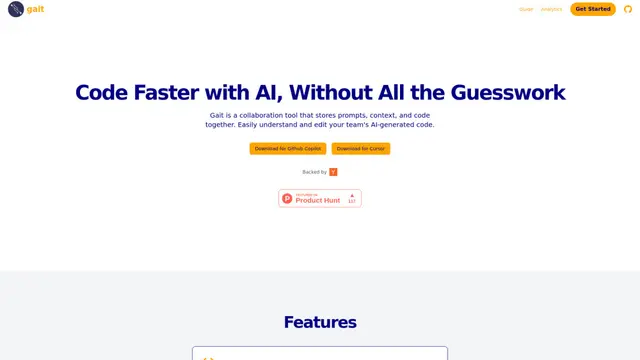
Gait
Gait is a collaboration tool that integrates AI-assisted code generation with version control, enabling teams to track, understand, and share AI-generated code context efficiently.
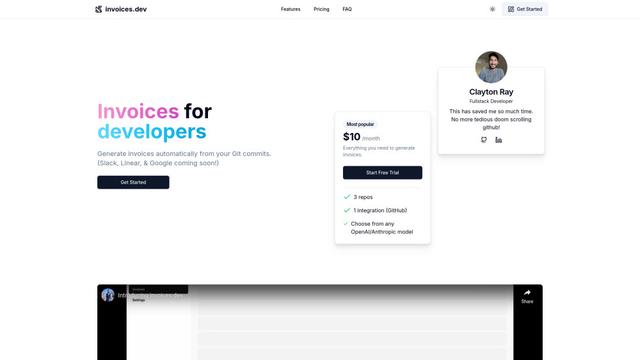
invoices.dev
invoices.dev is an automated invoicing platform that generates invoices directly from developers' Git commits, with integration capabilities for GitHub, Slack, Linear, and Google services.
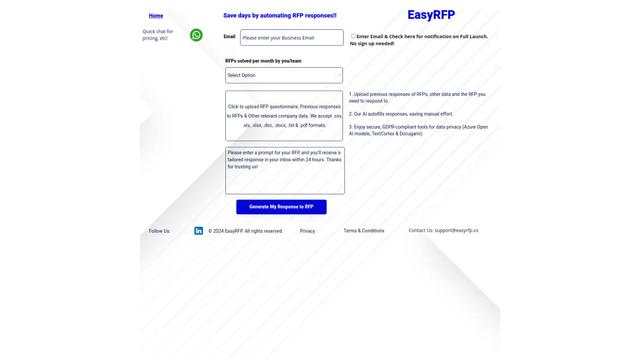
EasyRFP
EasyRFP is an AI-powered edge computing toolkit that streamlines RFP (Request for Proposal) responses and enables real-time field phenotyping through deep learning technology.
Cart.ai
Cart.ai is an AI-powered service platform that provides comprehensive business automation solutions including coding, customer relations management, video editing, e-commerce setup, and custom AI development with 24/7 support.
Popular AI Tools Like OpenCode Superapp
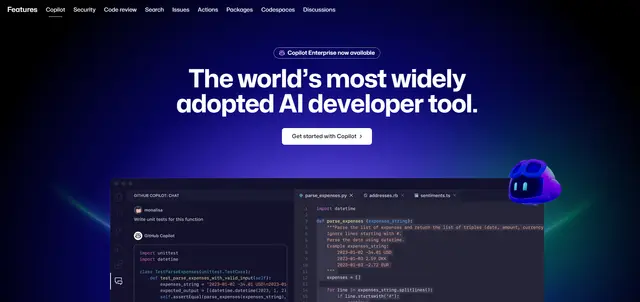
GitHub Copilot Chat
GitHub Copilot Chat is an AI-powered coding assistant that provides natural language interactions, real-time code suggestions, and contextual support directly within supported IDEs and GitHub.com.
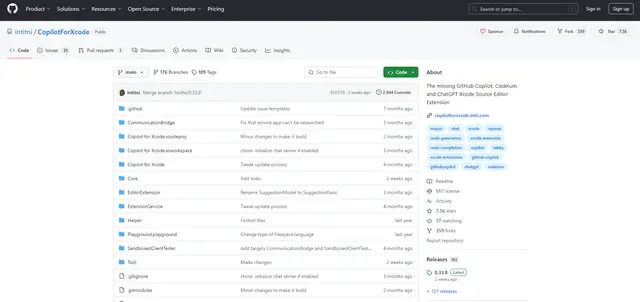
CopilotForXcode
CopilotForXcode is an Xcode Source Editor Extension that integrates GitHub Copilot, Codeium, and ChatGPT to provide AI-powered code suggestions, chat assistance, and prompt-to-code functionality within Xcode.

BrowserAI
BrowserAI is an open-source library that enables running local Large Language Models (LLMs) directly in web browsers with WebGPU acceleration, offering privacy-focused AI capabilities without requiring server infrastructure.
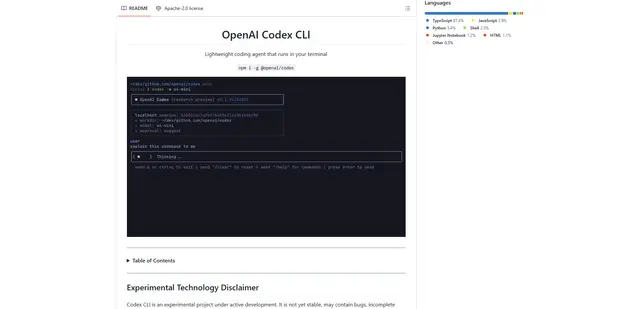
OpenAI Codex CLI
OpenAI Codex CLI is a lightweight, open-source coding agent that runs in your terminal, enabling developers to translate natural language into code execution while providing ChatGPT-level reasoning with the ability to run code, manipulate files, and iterate under version control.